Looking for the perfect way to download and read Kindle books for PC. Don’t worry anymore. In this article, we will provide you with some simple steps to download Kindle reader for PC and read Kindle books on PC.
- What Is Amazon Kindle? Download kindle for PC How To Read Kindle Books On PC
So here’s a detailed guide on how to download Kindle reader for PC and read Kindle books on PC .
ALSO READ: 9 Best sources to read comics online
Download kindle for PC
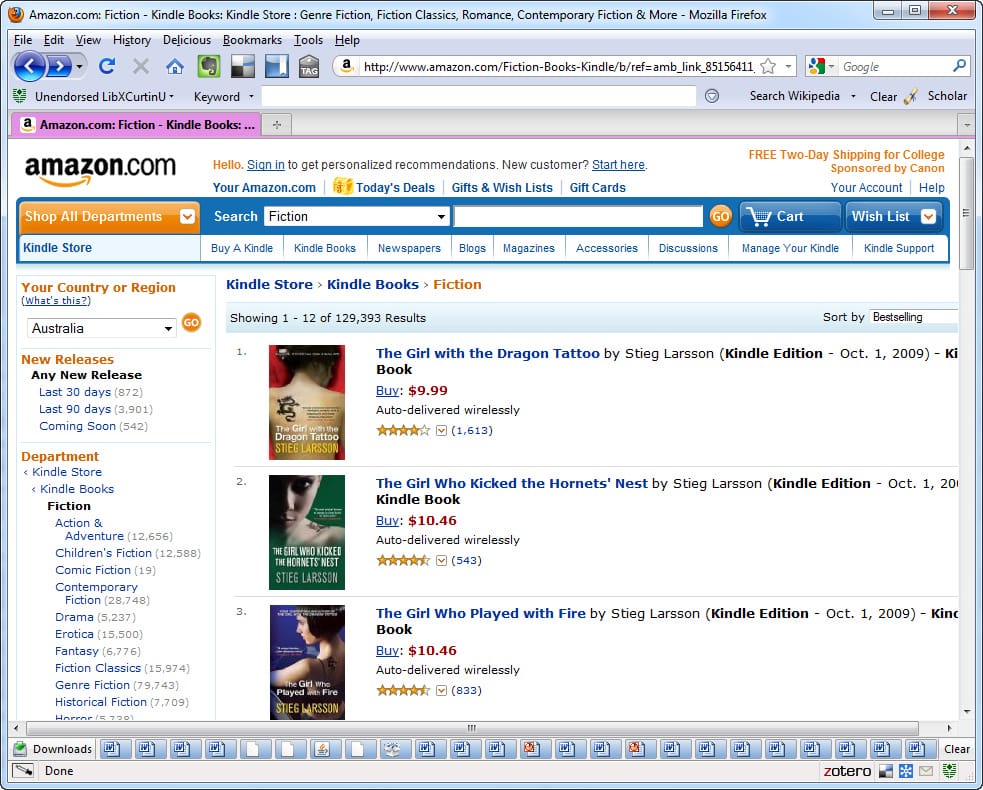
The Kindle for PC application offers many nifty features like page flip enabled books, built-in dictionary, ability to sync ebooks across all devices. Additionally, users can also customize the font size, screen brightness, background colour, and orientation of ebooks.
Similar to Windows, Kindle can also be downloaded on MacOS computers and laptops.
Download Kindle For PC
How To Read Kindle Books On PC
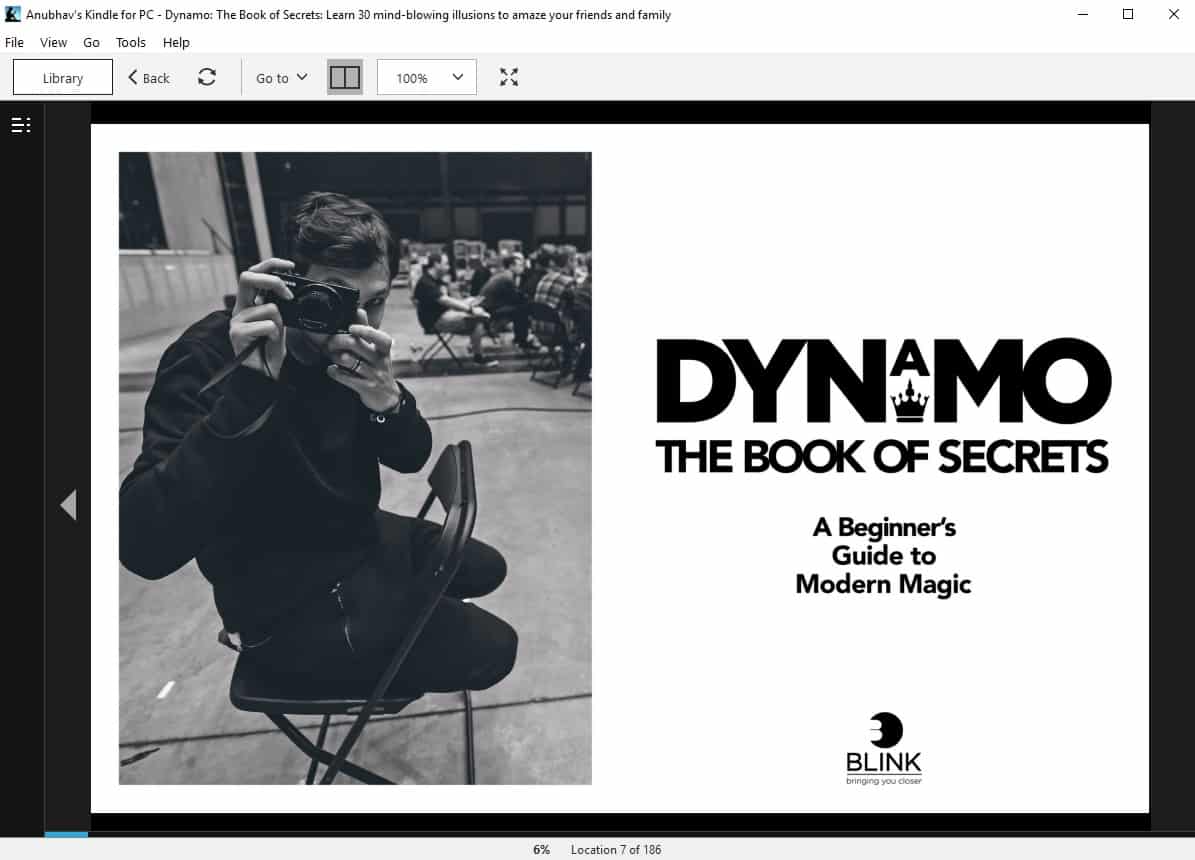
Once you download the Kindle application for PC follow these simple steps to read Kindle books on PC.
- Install the Kindle for PC application.
- Using your credentials log-in to your Amazon account.
- All of your ebooks will now show up in the Kindle application.
Well, if you don’t want to install the Kindle application for PC you can still read Kindle books on a Windows or Mac computer using the Kindle cloud reader. Kindle cloud reader allows users to read Kindle books online. That said, it’s not as feature-rich as the Kindle application.
Visit Kindle Website
Also Read- Best EPUB Reader For Windows PC
CONCLUSION
