A few weeks ago HBO introduced its new subscription video-on-demand streaming service namely HBO Max . As expected, HBO Max is available on most mainstream platforms like Apple TV , Android TV , iOS , Android , Chromecast , Xbox , PS4 , and Samsung TVs .
Unfortunately, there’s no way to download HBO Max on Roku. However, you can download and use HBO Max on your Fire TV Stick , Fire TV streaming box , Fire TV Cube , or Fire TV Edition television by following a simple workaround.
RELATED: HBO Max Inaccessible Via ROKU, HBO Go Members Confused After Update
- Can I Get HBO Max On My Firestick?
- How Do I Download HBO Max On An Amazon Fire TV Device?
Can I Get HBO Max On My Firestick?
One of the major highlights of Android is the ability to sideload applications and games that might not be available officially on the Google Playstore .
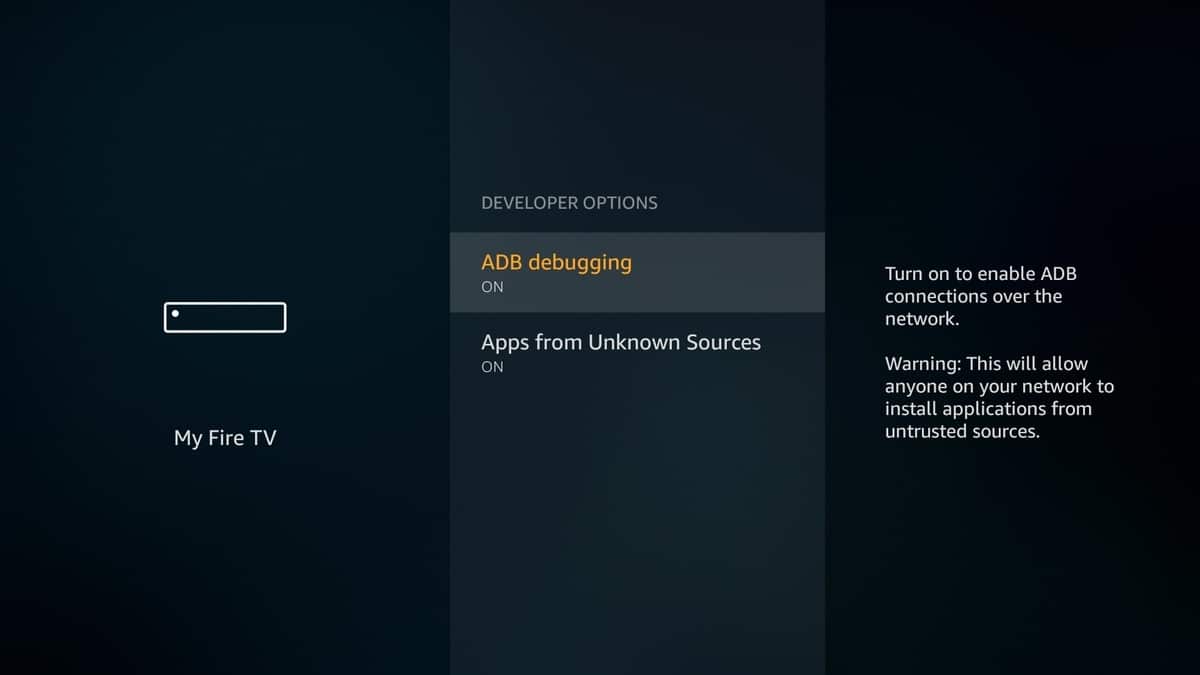
STEP 1 : Firstly, you have to enable sideloading on your Fire TV to manually install the HBO Now APK file. To do so navigate to the Settings on your Fire TV, and locate the My Fire TV section. In this section, locate Developers Option and turn on Apps From Unknown Sources .
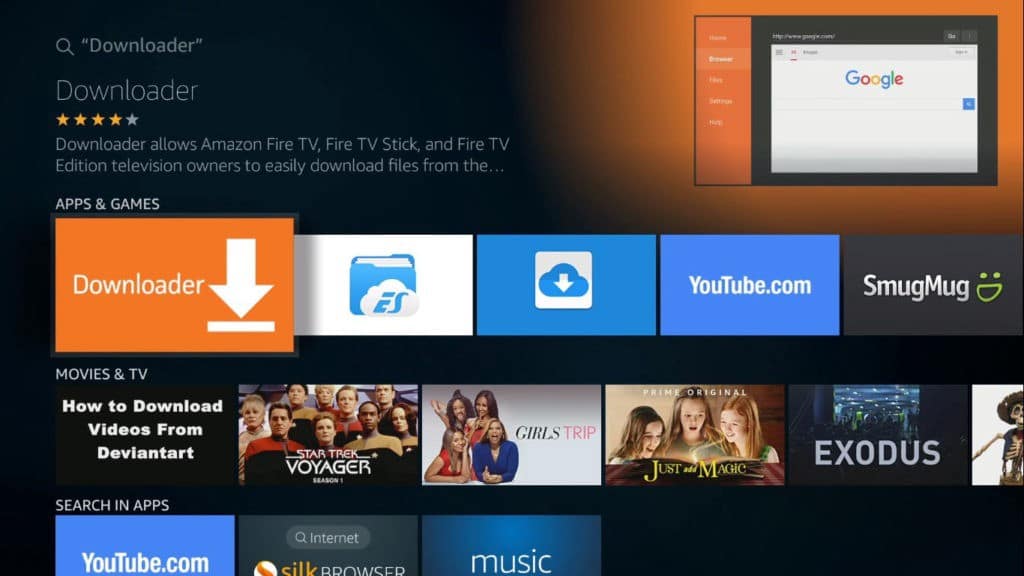
STEP 2 : The next thing you have to do is install the Downloader application on your Fire TV. To do so, you can simply search Downloader or ask Alexa to “Install the Downloader App” .
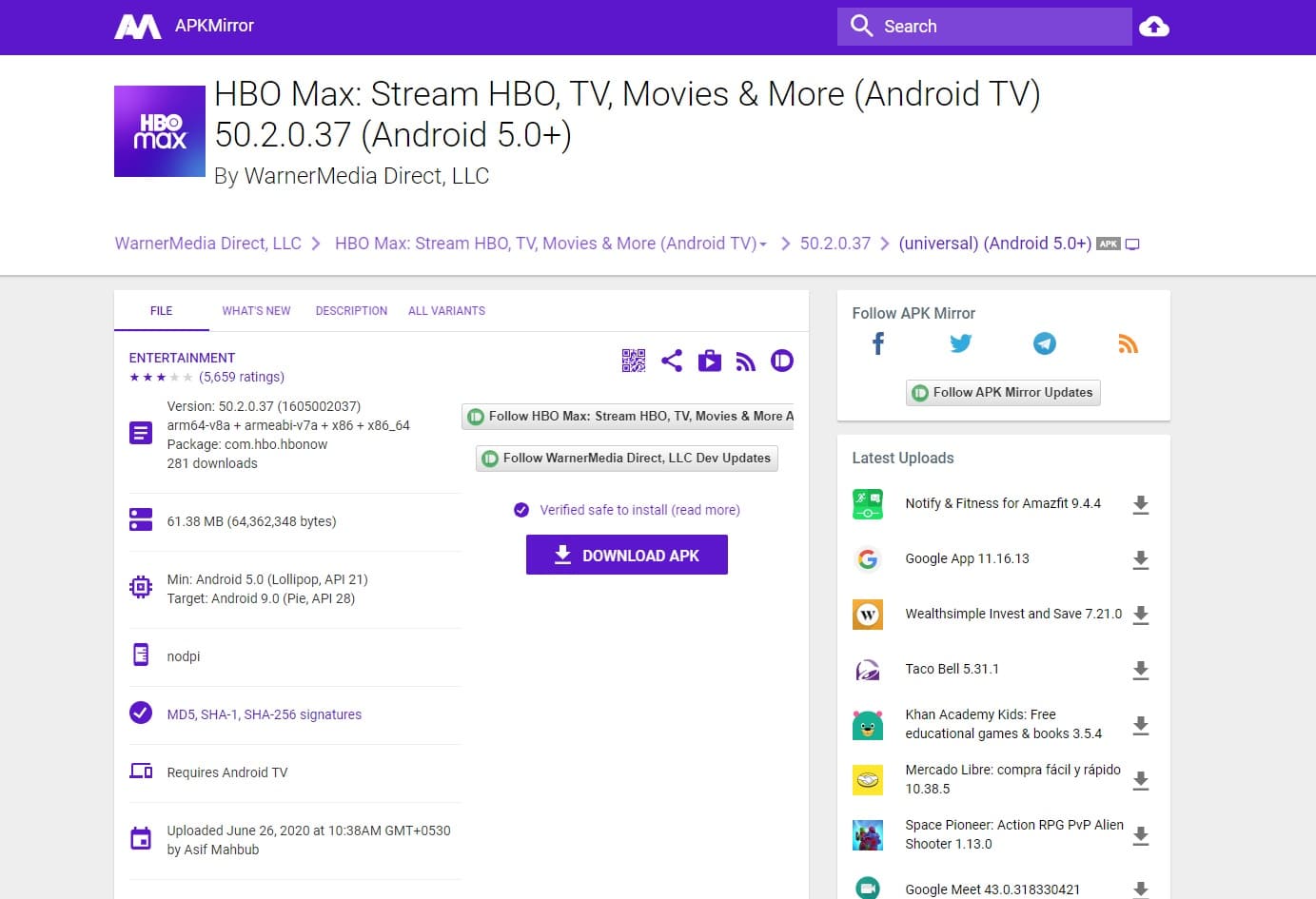
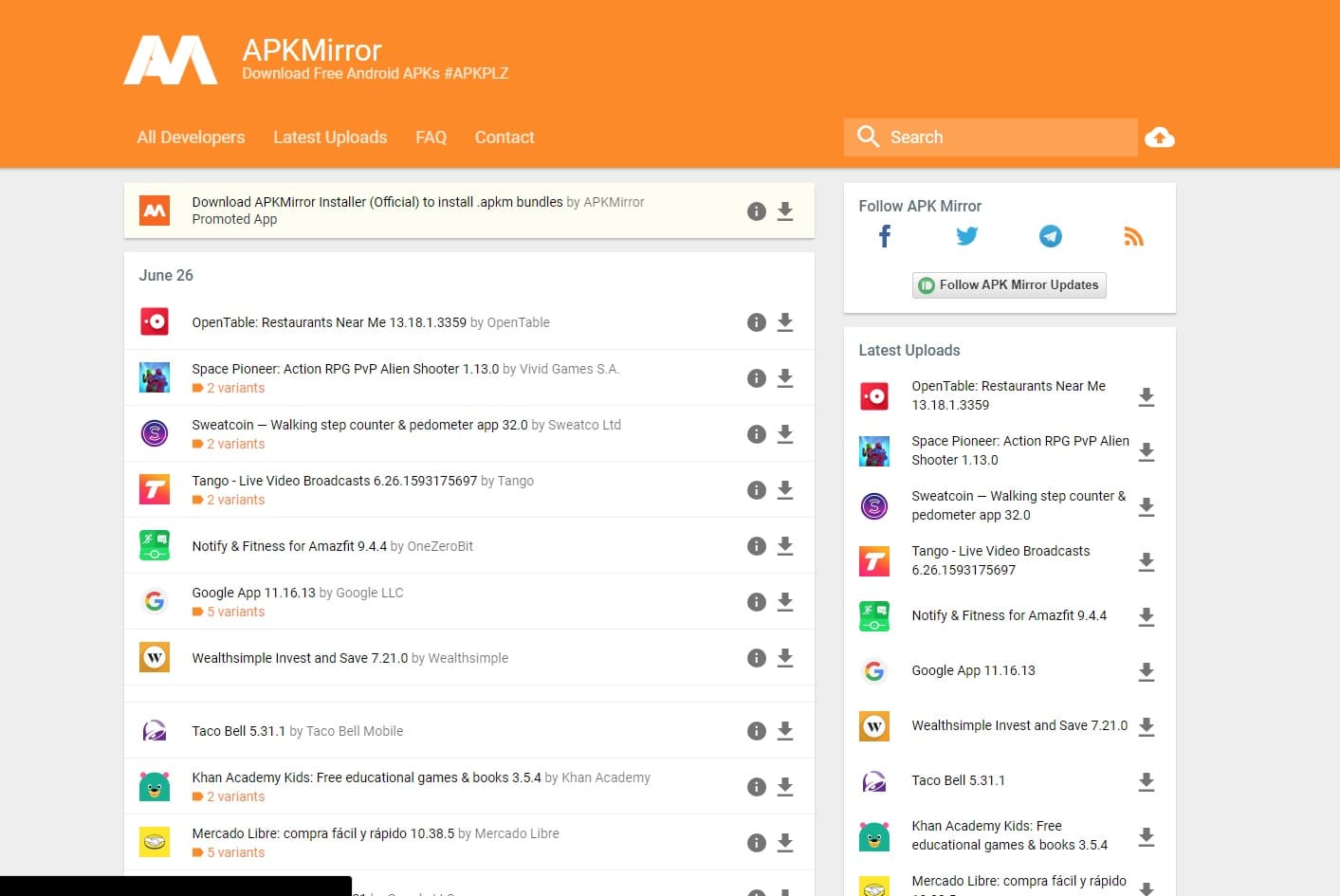
STEP 3 : Next up, you have to locate the latest version of HBO Max for Android TV on the internet. One of the most reliable websites that can help you do so is APKMirror . Using the downloader app you can visit this website and search for HBO Max.
In order to help you out, we have created a short link using which you can directly land on the download page of HBO Max. The custom link is https://bit.ly/2B3C3od . Simply type this link in the search bar of the downloader app.
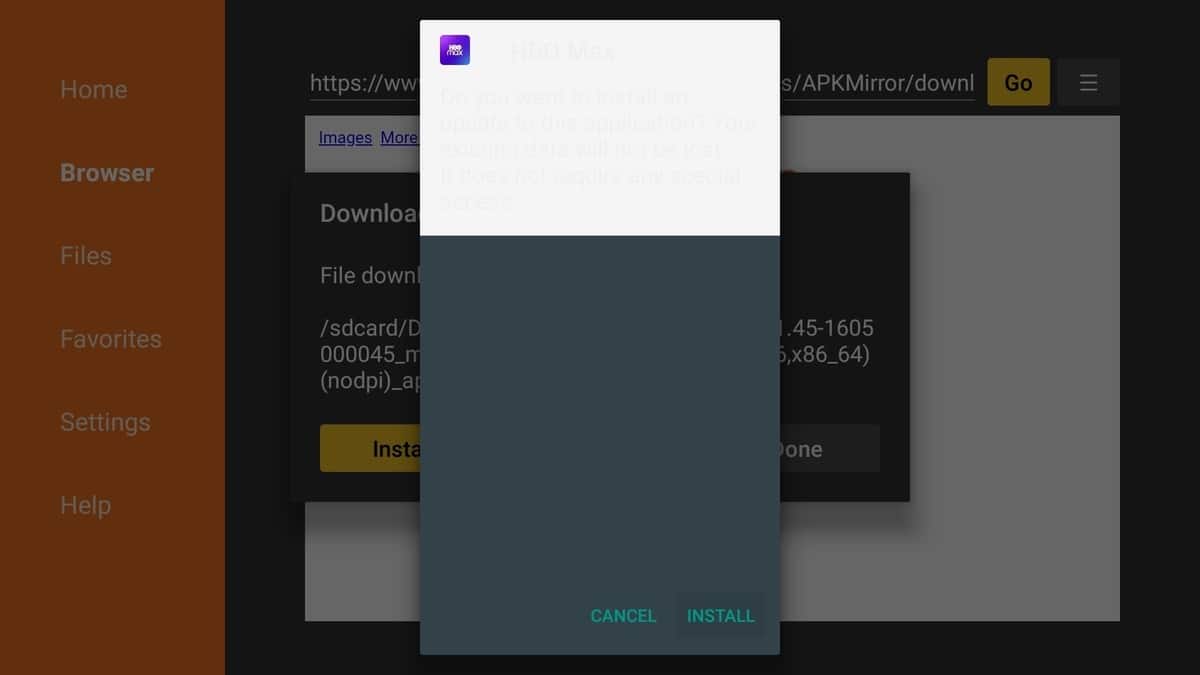
STEP 4 : Once the download process is completed the installation window will pop-up automatically. Simply, press the install button and after a few seconds, HBO Max will be visible on the homepage of your Fire TV device.
CONCLUSION
