- Free Fire PC Download Minimum requirements:
- Free Fire PC Download
- Free Fire On PC Using Google Play Games (New)
- Best Emulator For Free Fire (Without Bluestacks): 1. Gameloop 2. Nox App Player 3. KOPlayer
- Free Fire Download: Android And iOS
Free Fire PC DownloadMinimum requirements:
- OS: Windows 7,8,10,11 64bit
- CPU : Core i3 2.4GHz
- RAM : 3GB
- GPUI : Intel HD Graphics 4000
- HDD : 4GB
Free Fire PC Download
- Download the Bluestacks emulator and install the exe file on your computer.
- Once installed sign-in with your Google account on Bluestacks.
- Next up open the Play store inside Bluestacks and search for “Free Fire.”
- Install the application and you can now play Free Fire.
Similar to Windows you can also install Bluestacks on macOS and enjoy the game.
Free Fire On PC Using Google Play Games (New)
You can now play Free Fire on a PC by downloading the Google Play Games beta.
The latest update supports playing Free Fire MAX on Windows PC.
Best Emulator For Free Fire (Without Bluestacks):
Undoubtedly, Bluestacks is the most reliable emulator for playing Free Fire on PC .
That said, if you face any issues while playing Free Fire using Bluestacks, then you can try these free fire best emulator .
1. Gameloop
The first perfect alternative to Bluestacks for playing Free Fire is Gameloop.
Well, not too long ago, Gameloop was known as “Tencent Gaming Buddy.” This feature-rich Android emulator is dedicated to playing smartphone games on PC.
A noteworthy feature of Gameloop is the ability to adjust framerates based on your system configuration.
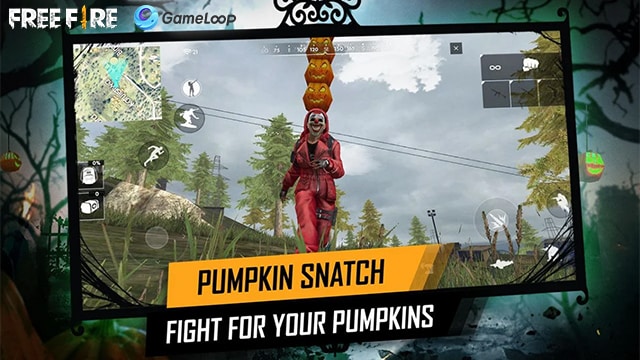
In addition to Free Fire, you can also play other popular Android Games like PUBG Mobile , Mobile Legends: Bang Bang , and Call of Duty: Mobile on Gameloop.
2. Nox App Player
Nox App Player is another perfect emulator for Free Fire PC download. Since Nox App Player is available for macOS, you can enjoy Free Fire on MacBook or an iMac.
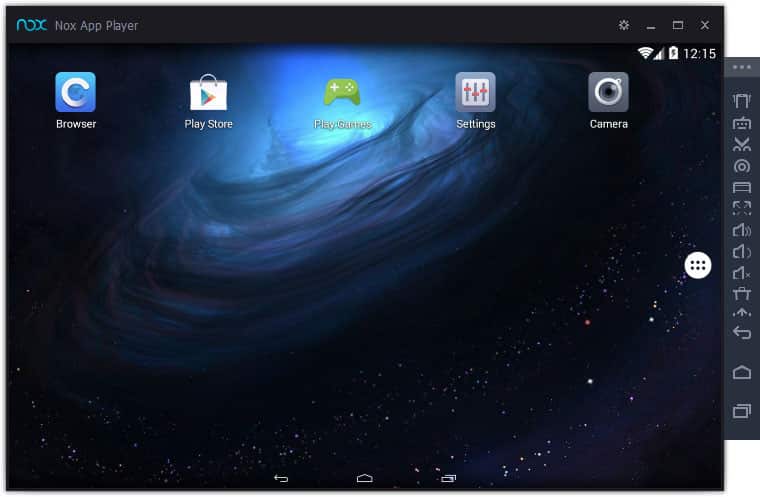
Nox App Player is very stable, and it even allows users to map the keys as per their preference.
3. KOPlayer
The last best Android emulator for playing Free Fire PC game is KOPlayer. Well, KOPlayer is dedicated to playing games and running resource-intensive Android applications.
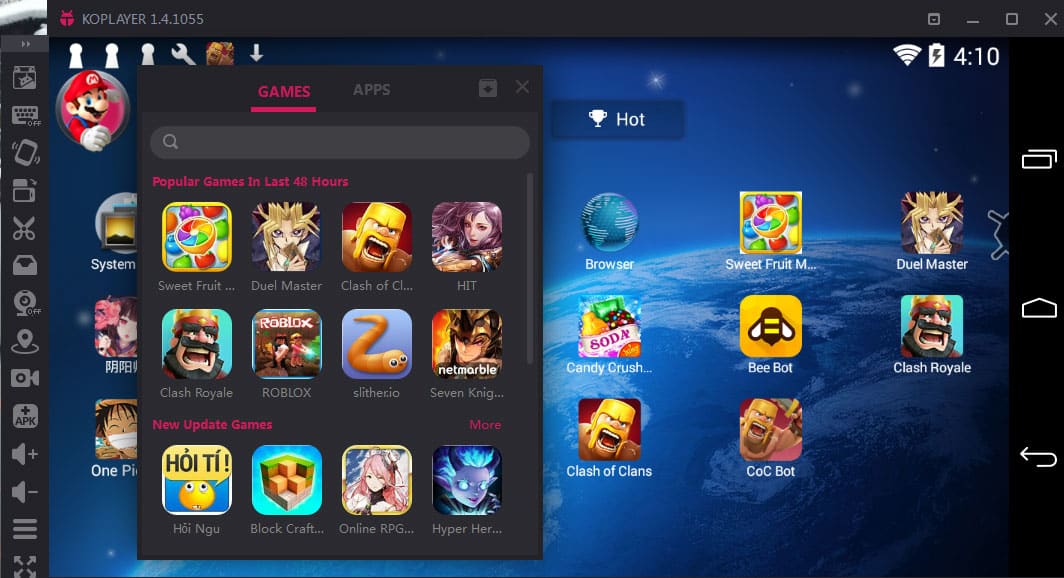
KOPlayer is one among many few emulators that allow users to record their gameplay. Overall and it installs without any bloatware or third party apps.

Also Read- Working Free Fire Reward codes
CONCLUSION
So this was a simple guide on how to download, install, and play Free Fire on a Windows PC.
