All the Minecrafters who are engulfed into the legendary game should hear this one. Apparently, a VM Computer’s mod has made it possible for gamers to install Windows 95 inside Minecraft. And wait for it, play Doom on the installed Windows OS inside Minecraft server.
The players join a server and enter a Minecraft world . After that, they order computer components from the satellites orbiting around your world of Minecraft.
Not only Windows 95 , but players can also create computers that can boot up other operating systems.
One Reddit user decided to up it a notch and have successfully run Doom on Windows 95 installed inside Minecraft.
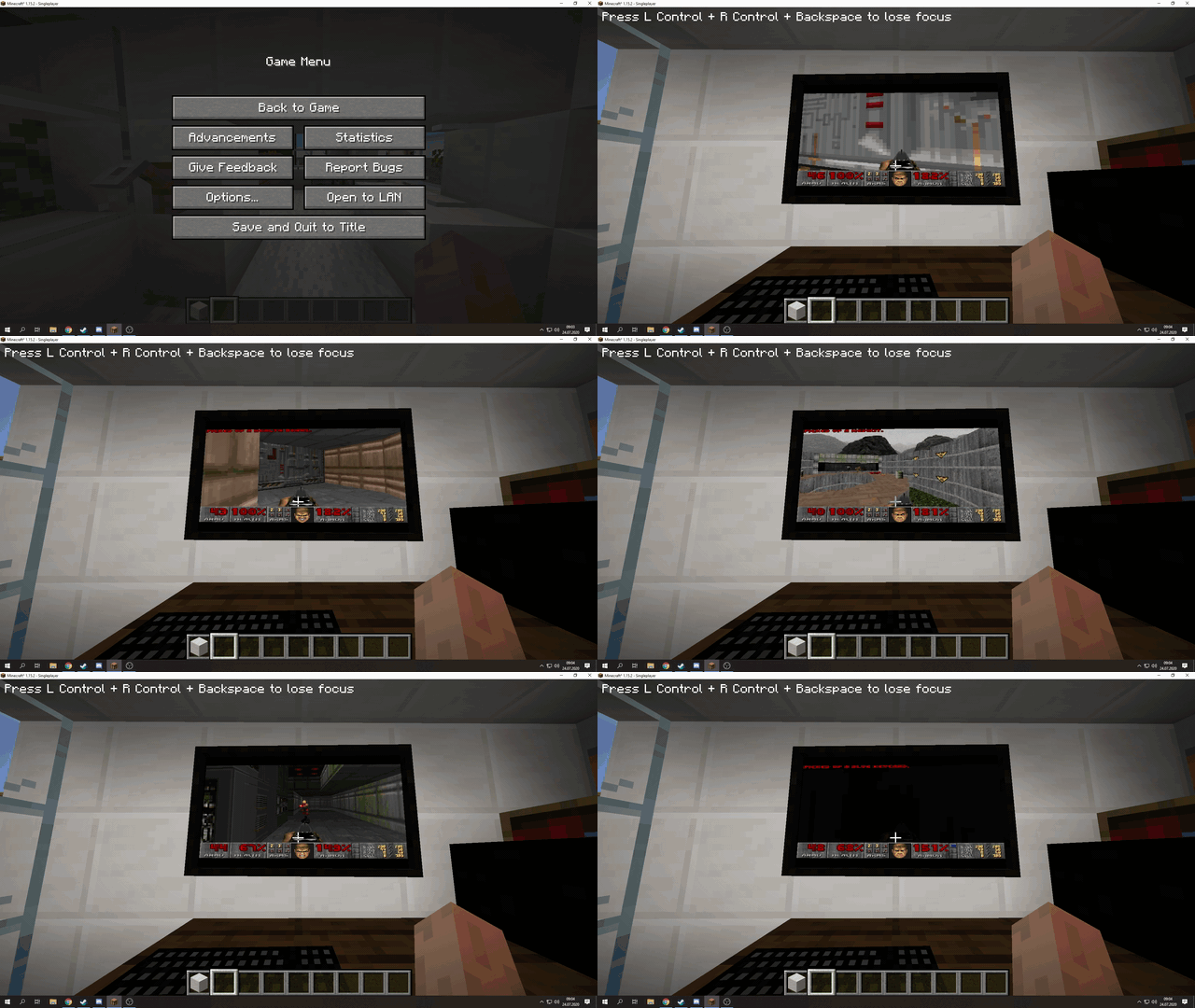
This has opened up endless possibilities for the future where people may try combinations like Windows plus Linux for a possible dual-boot scenario.
Who knows, it might run Half-Life 3 when it finally arrives in NEVER?
How can I do it?
First of all, install Virtual Box, a free virtual machine software for computes to install operating systems, such as Windows 95.
After that, go inside Minecraft and place a PC case block, use it to create a virtual hard disk. After that, install the operating system on them from the ISO files.
More information on different VM Mods for Mincecraft can be found here.
Also Read- How To Fix Minecraft Keeps Crashing On Windows 10
