Watching an amazing video on YouTube and suddenly an ad starts playing.
Or, when you click on a much-awaited video from your favorite creator and two unskippable back-to-back ads play before the video begins.
If that sounds familiar then you are not alone. Ads on YouTube are becoming a menace and we want to put a full-stop to that.
You can watch YouTube without ads through a variety of methods. There is absolutely zero ad interference while watching and or anywhere on the app or website.
We will take a closer look at ways to bypass ads on YouTube without affecting your YouTube account.
- How to Watch YouTube Without Ads Ad-blocking Apps Browser Extensions for Ad Blocking Browsers with In-Built Ad Blockers
- Block YouTube Ads through a VPN Using Third-Party Service Subscribe to YouTube Premium How can I play YouTube Videos without ads? Are ad blockers safe? The Easiest Way to Watch YouTube Videos Without Ads
The Never Ending YouTube Ads
It has gotten out of hand as the Big G pushes ads down our throats. They are coming up with different methods to do that.
Display Ads, static or animated banners that appear to the right of the video and above the video suggestions list.
Overlay Ads, semi-transparent banners that appear at the bottom of the video player during playback.
How to Watch YouTube Without Ads
Don’t worry, you can watch YouTube videos without ads bothering you every few minutes.
We will discuss the ways to bypass ads on YouTube. They are easy to implement and you can do it within a couple of seconds.
Ad-blocking Apps
Just because YouTube Vanced has shut down , it doesn’t mean it is the end of the road. You can block YouTube ads with these apps.
NewPipe
NewPipe is arguably the best app to block ads on YouTube. Install the file and start watching videos, it is that simple. You don’t even need to grant it any permission on the device.
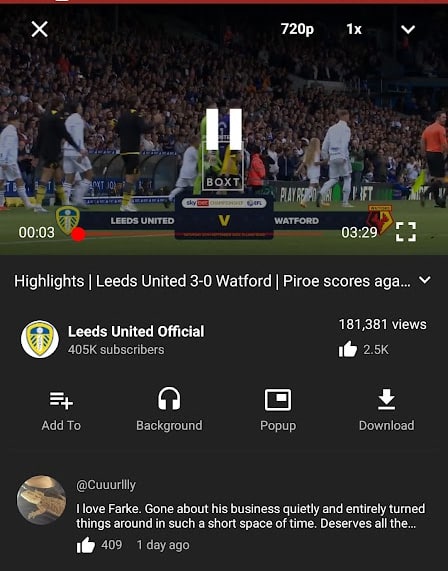
It also lets you watch age-restricted videos without requiring sign-up. NewPipe also has a neat feature to swipe up/down for volume on full-screen.
All your watch history, custom playlists, bookmarks, and subscriptions are locally stored. You can essentially maintain a YouTube account without signing in.
And just like Vanced, you can also listen to music on YouTube in the background by turning off the screen or switching to a different app.
SkyTube
SkyTube is a good YouTube ad blocker, similar to NewPipe. You don’t have to grant permission and it runs without requiring a Google account signing.
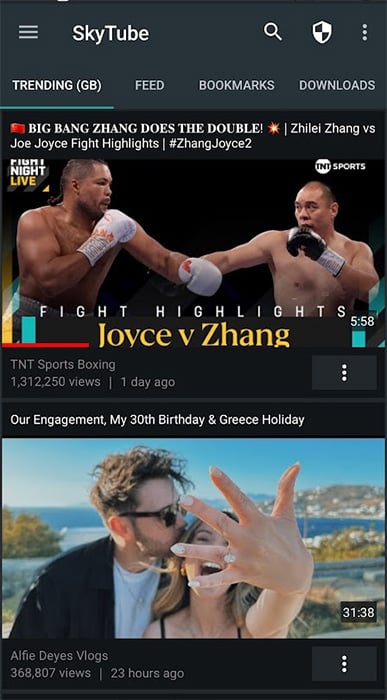
One feature that I like is that you can enter the URL of a YouTube video and it will play in the app. This comes in handy when the app is not opening by default.
ReVanced
Continuing the legacy of Vanced, ReVanced delivers an ad-free YouTube experience. You need to install ReVanced Manager and then patch the YouTube app to get it working.
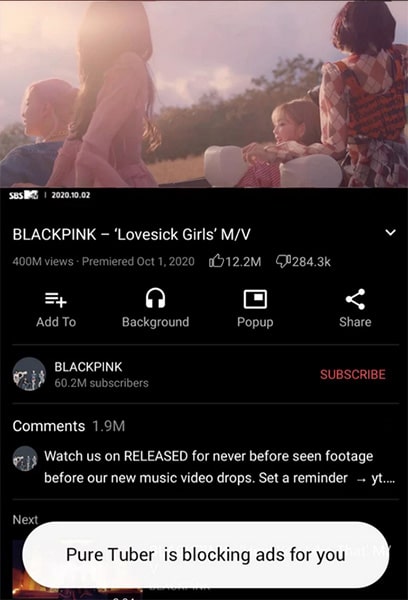
If you feel lost after installing it then follow their official guide . It offers practically everything Vanced had and more.
You can disable YouTube shorts from the app and they will not appear. This YouTube alternative even lets you bring back the old player interface with video-quality buttons.
Browser Extensions for Ad Blocking
Browser extensions have been doing a good job in blocking YouTube ads for over a decade now. Firefox started with Adblock before Chrome, amongst others caught on.
You can use these adblockers for YouTube and make ads a thing of the past.
Adblock for YouTube
There are many Adblocks for websites but this blocks ads specifically on Youtube. It blocks Video and webpage ads on YouTube. You won’t even see ads that appear between the playback.
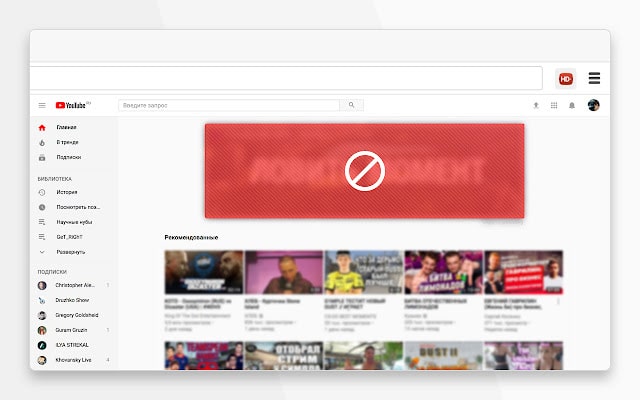
This tool not only blocks ads, banners, and pop-ups on YouTube but also implements ad blocking on external sites that embed YouTube content.
Additionally, it prevents pre-roll ads from loading on YouTube, ensuring a smoother user experience. As a result, videos and the YouTube website load at a noticeably faster
uBlock Origin
Adblock for YouTube works for Chrome , Edge, Opera, and other Chromium-based browsers. But uBlock Origin breaks down the wall and you can use it to watch YouTube without ads on Firefox.
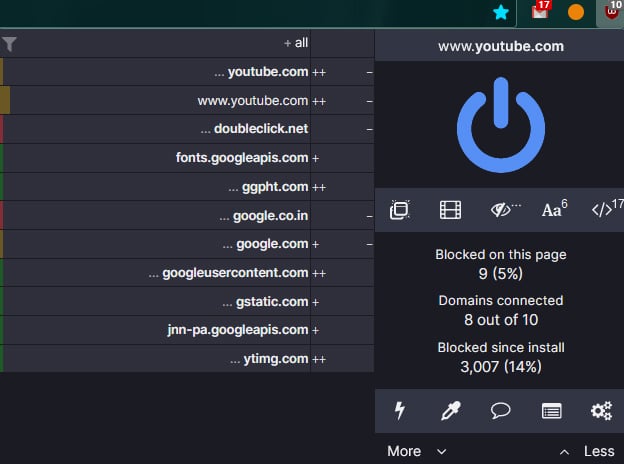
It is available for both Firefox and Chrome, offered by the same author. You can even take it to Firefox on mobile since extensions are supported by the smartphone version.
On top of blocking YouTube ads, it even protects you from malicious websites, trackers, popups, and more.
Adblock Plus
When you talk about blocking ads, Adblock Plus always finds its way into the discussion. Just like uBlock Origin, it can block all video ads on YouTube and any webpage in the world.
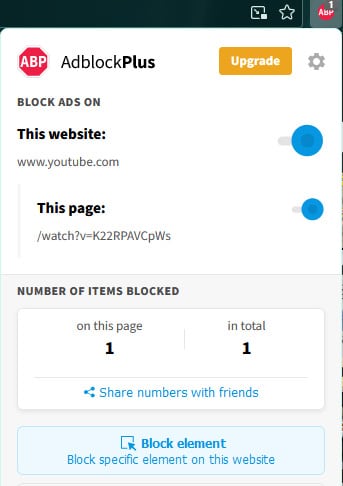
Adblock Plus doesn’t only block ads on YouTube; it works on all sites and helps protect against malware, ensuring safe browsing.
You can adjust its settings and even choose sites to exclude. It is a good YouTube ad blocker for Firefox and Chrome
Browsers with In-Built Ad Blockers
The demand for YouTube ad blockers is at an all-time high. Keeping that in mind, browsers like Opera and Brave let you watch YouTube videos without ads by blocking them.
Opera
Opera is known for listening to users for the features and this time around they added YouTube ad blockers, which runs on their mobile version too.
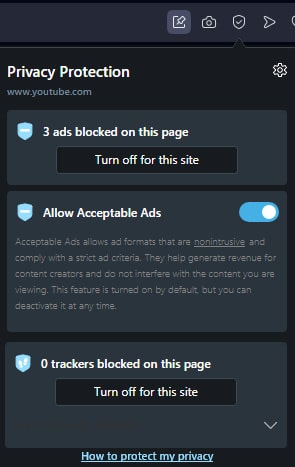
Technically, they have an in-built ad blocker that blocks ads on every webpage. You can install the browser and start watching YouTube videos without ads.
They won’t bother you on any corner of the video-sharing site. There is an option to disable the ad blocker since YouTube is limiting videos to ad-block users .
Brave
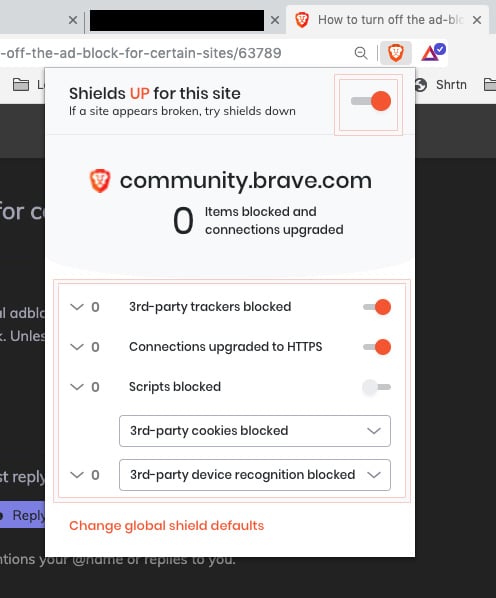
Another browser that bypasses YouTube ads is Brave. It is built to keep privacy and an ad-free experience.
It blocks all the ads on YouTube and you can watch videos in peace. You get the same ad blocking on the mobile version as well.
Block YouTube Ads through a VPN
VPNs are not primarily meant to be used for blocking YouTube ads. But many of the premium VPNs have started offering ad blockers in their feature bouquet.
When you use a VPN with ad-blocking capabilities, it filters out ads before they reach your device.
This not only provides an ad-free YouTube experience but also can speed up your browsing, as those ads consume bandwidth.
Using a VPN hides your location and browsing behavior, making it hard for advertising systems to profile you. Often, this can reduce or even eliminate ads, as they can’t target you properly.
You can take a look at the list of the VPNs we compiled for other purposes, which would work here.
Using Third-Party Service
After a lot of research, I found this unconventional method to watch YouTube videos without ads. You need to paste the video link here and then watch it on Video.Link .
You can also share the direct link, valid for an hour, with anyone to watch YouTube videos without ads.

When you want a permanent solution that works across devices without fail then YouTube Premium is the way to go. They offer free three-month trials in many regions.
It removes YouTube ads on all the devices where you have signed into the app. This comes in handy for removing YouTube ads on Smart TVs.

The individual plan is expensive in many countries but the family plan is value for money. You can share it with five family, friends or colleagues.
The family account emphasizes adding users from the same household in a location.
However, until now it works for users from a region, even plan members when thousands of kilometers/miles away.
And along with that, you get to play YouTube videos in the background and also have free access to YouTube Music.
How can I play YouTube Videos without ads?
To play YouTube videos without ads, consider subscribing to YouTube Premium, a paid service that removes all ads and offers benefits like background play and offline access. Alternatively, you can install browser extensions like Adblock Plus or uBlock Origin, which are designed to filter out ads on platforms like YouTube.
Some VPN services also come with integrated ad blockers, offering an additional layer of ad prevention.
Are ad blockers safe?
Yes, most reputable ad blockers are safe and can enhance browsing by reducing unwanted ads and protecting against malicious content. Always choose well-reviewed and trusted options.
